TikTok Studio Redesign
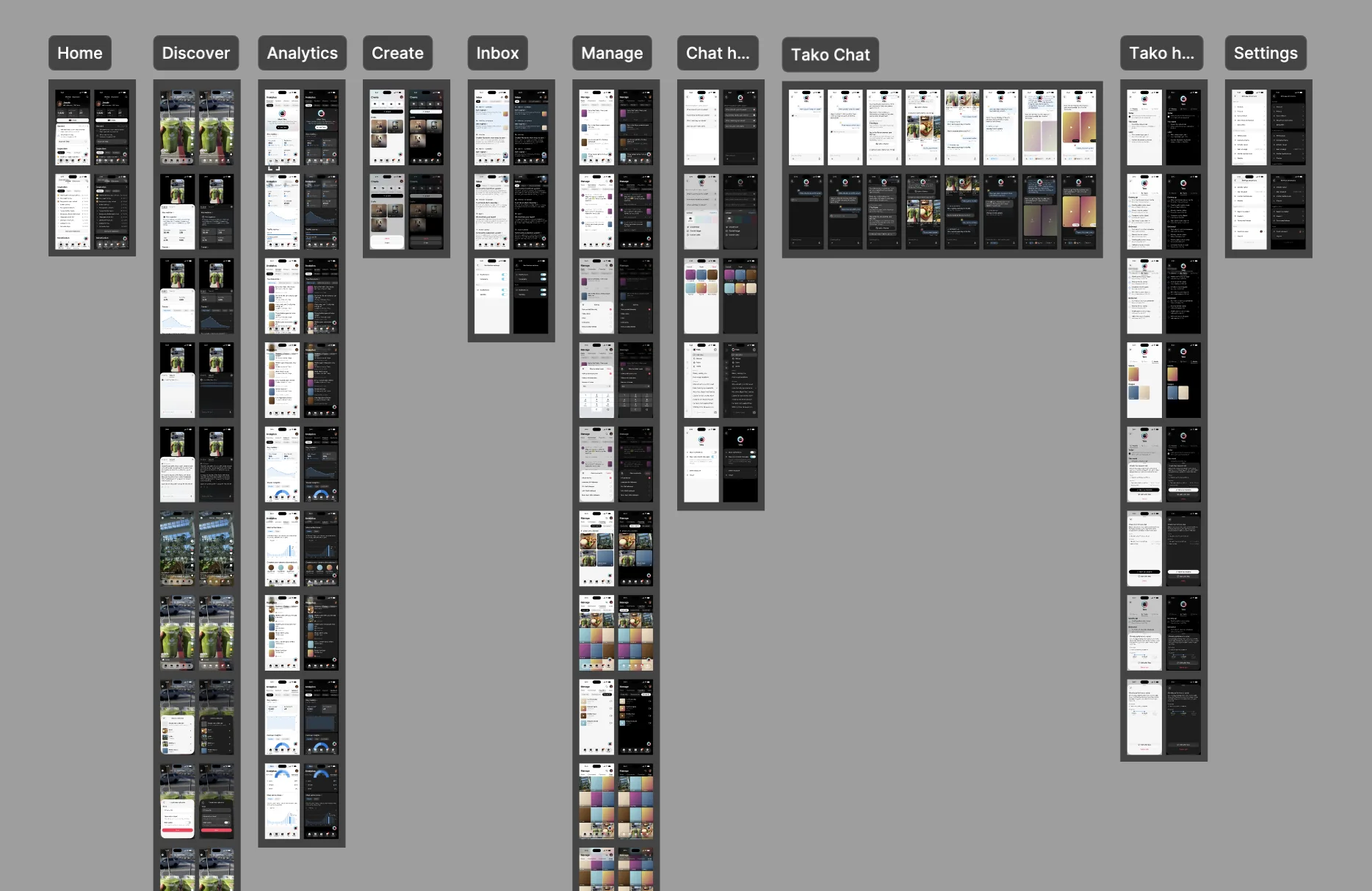
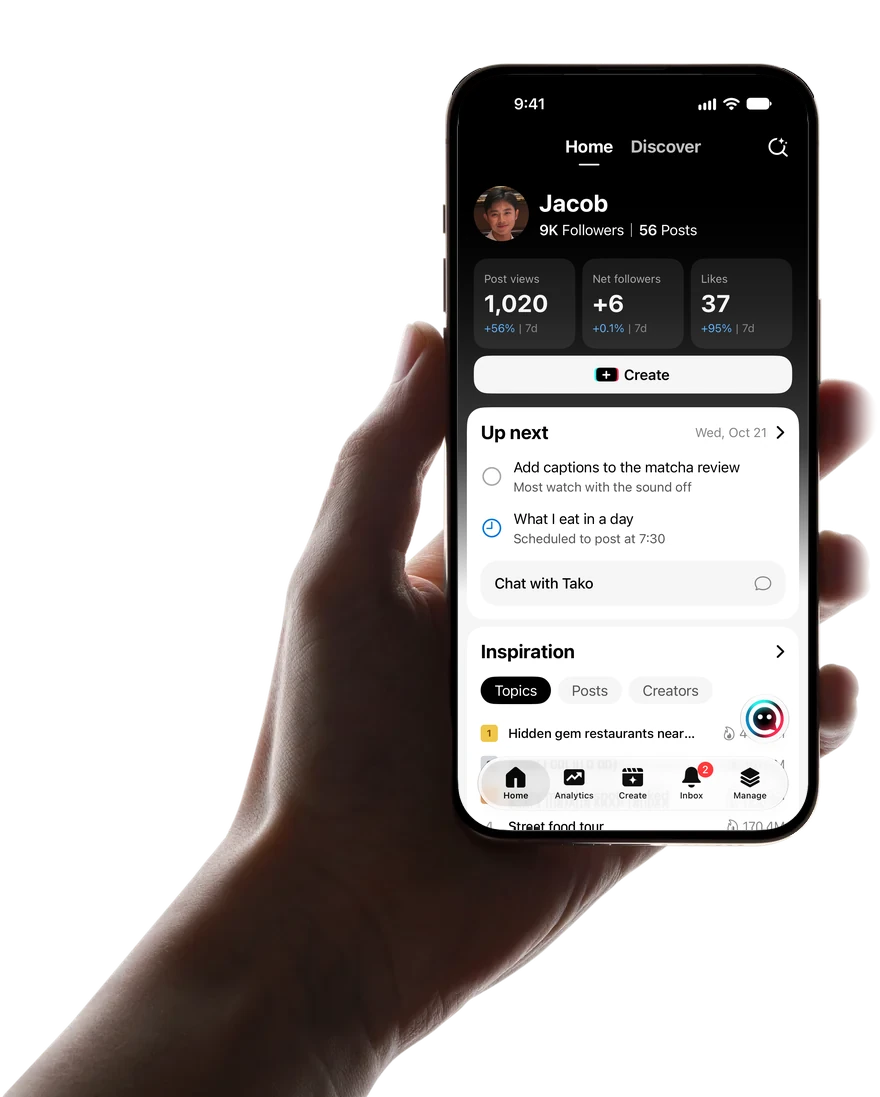
I redesigned TikTok’s creator workspace app  around its Tako AI agent, integrating it closely into the creator workflow to make Studio more useful. It’s a native-first refresh that weighs engineering cost against time to ship, delivered as high-fidelity Figma mockups, a design library, and an interactive SwiftUI app built in Xcode from native system components, for easier handoff to engineering.
TikTok Studio RedesignTikTok Studio 重新设计
A design challenge on TikTok Studio, the standalone mobile app for creators: analyze its framework, publishing flow, content management and analytics, find the design problems worth solving, and propose a complete redesign. 针对面向创作者的独立移动端 App TikTok Studio,分析其框架、发布流程、内容管理与作品分析,找出值得解决的设计问题,并给出完整的重新设计方案。

Meet  Tako了解 Tako
Your AI creator assistant你的 AI 创作助手

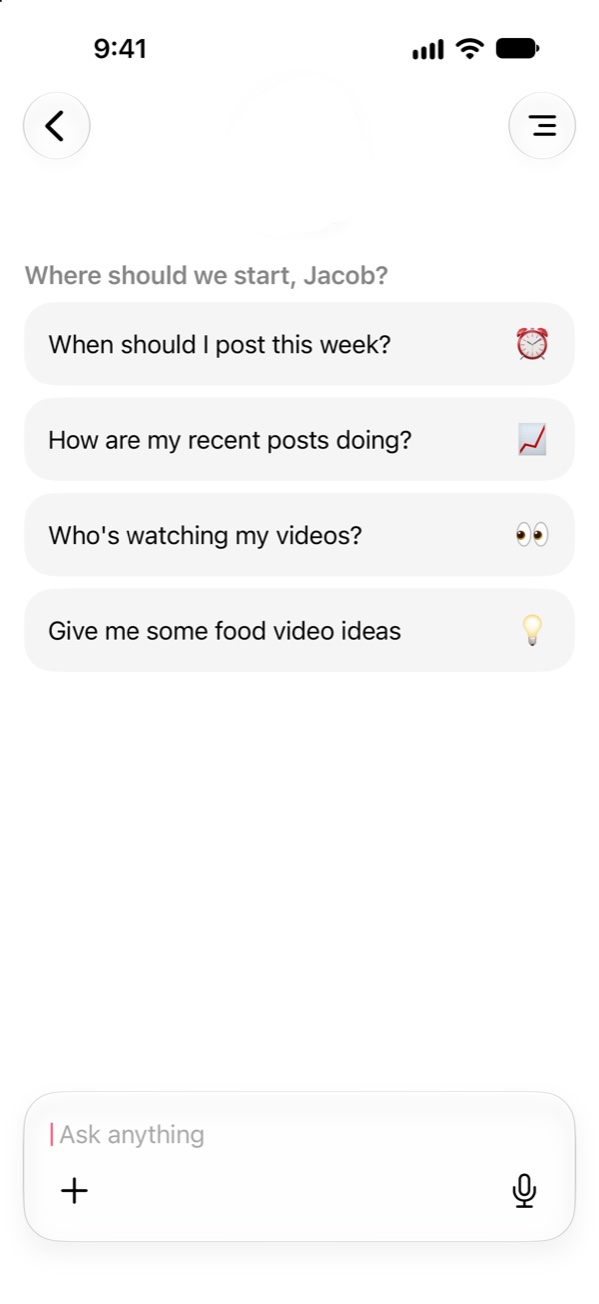
Tako is your creative sidekickTako 是你的创作搭档
Get inspired, understand your viewers, and plan and track your content ideas, all in one place.获取灵感、了解你的观众,并规划和跟进内容创意,一站搞定。
An anthropomorphic AI agent拟人化的 AI 助手
Following mass-adopted AI-first platforms like Meta’s 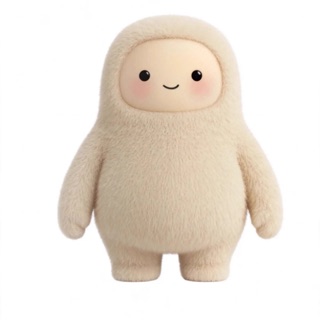 Muse and ByteDance’s
 Doubao, Tako gets a playful animated avatar.借鉴已被大规模采用的 AI 优先平台,如 Meta 的 Muse 和字节跳动的豆包,Tako 拥有了俏皮的动态形象。
A messaging interface即时通讯式界面
The messaging format feels like talking with a friend rather than a generic chatbot, reinforcing a personal relationship with Tako.即时通讯的形式让人感觉像在和朋友聊天,而非千篇一律的聊天机器人,强化与 Tako 的个人关系。
A casual tone轻松的语气
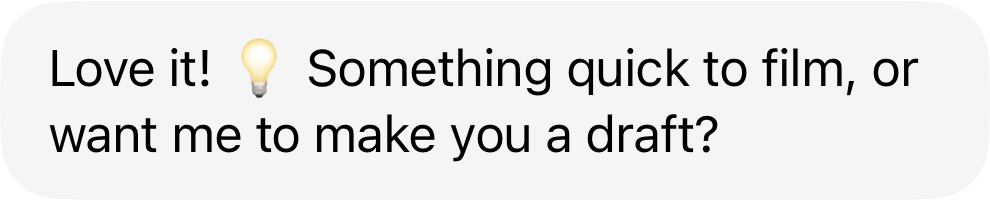
Gen Z language and emoji, as TikTok Tako and CapCut AI Lab already use, foster a close, everyday connection.沿用 TikTok Tako 和剪映 AI Lab 已在使用的 Z 世代语言和表情,建立起亲近的日常联系。

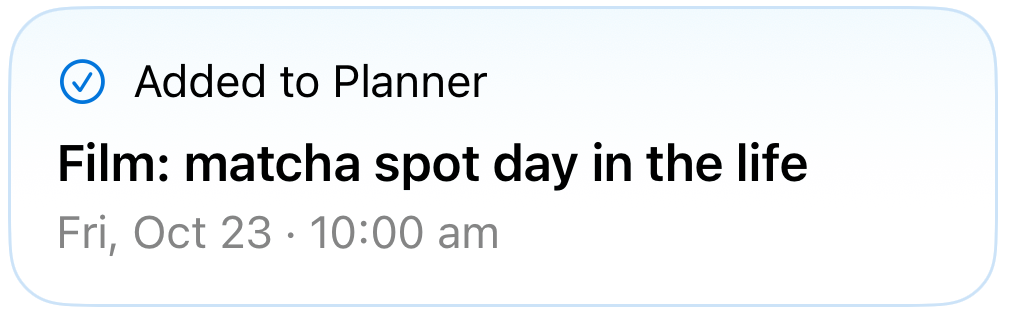
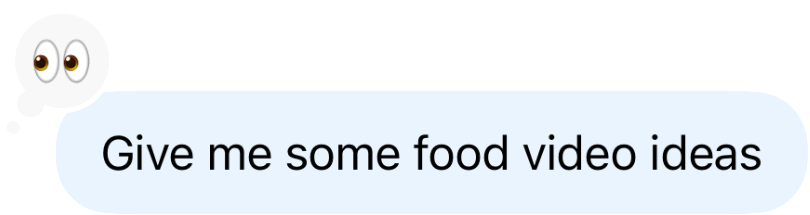
Tako is useful at every stage of a creator’s journeyTako 陪伴创作者成长的每个阶段
From ideating the first post’s script to coordinating brand deal proposals, Tako meets each creator where they are.从构思第一条视频的脚本,到协调品牌合作提案,Tako 都能贴合每位创作者所处的阶段。
New creators新手创作者

With few views and followers, a dashboard of low numbers can be discouraging and not much help. A chat with Tako gives them ideas and encouragement instead, plus AI image tools to style their posts.播放和粉丝不多时,满是低数字的数据面板容易让人泄气,也帮不上什么忙。和 Tako 聊天,能给他们灵感和鼓励;还有 AI 图像工具,帮他们为内容设计风格。
Established creators成熟创作者
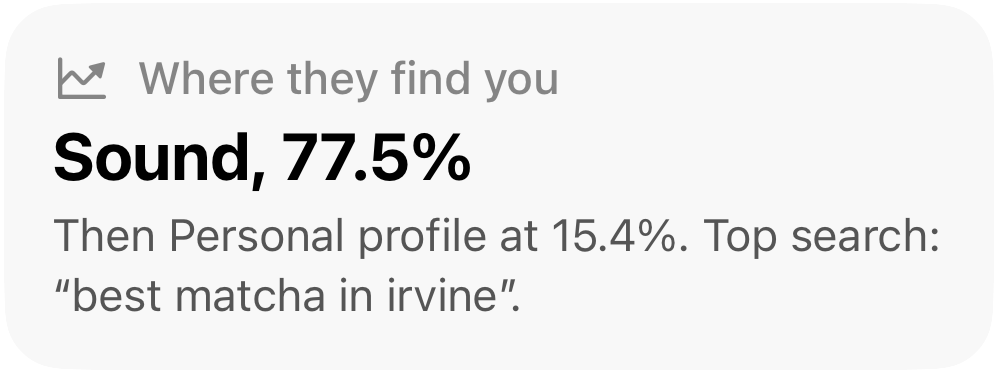
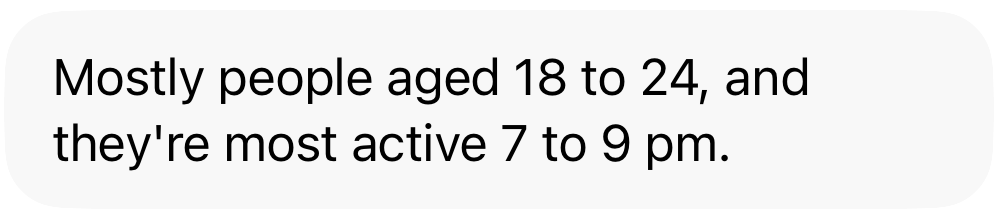
Richer data gives Tako more context, so its answers go deeper: when their viewers are active, which posts work, what other creators in their niche are doing, where partnerships might come from.更丰富的数据给了 Tako 更多上下文,回答也更深入:观众何时活跃、哪些内容有效、同类型其他创作者在做什么、合作机会可能来自哪里。
Entry points that invite, not interrupt入口是邀请,而非打扰
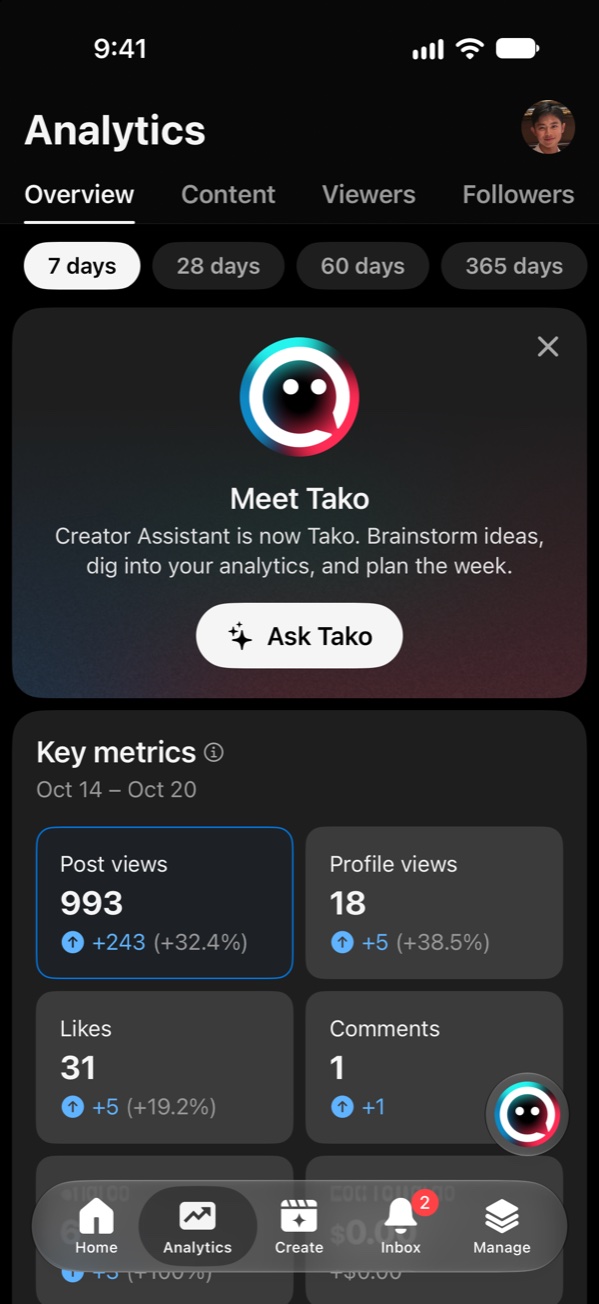
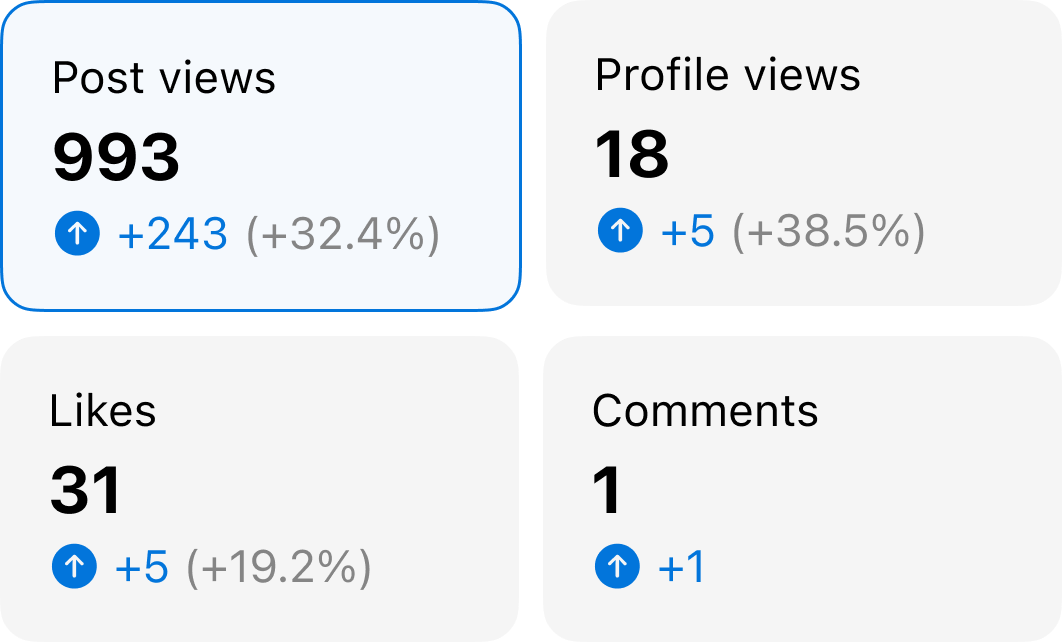
Analytics数据分析
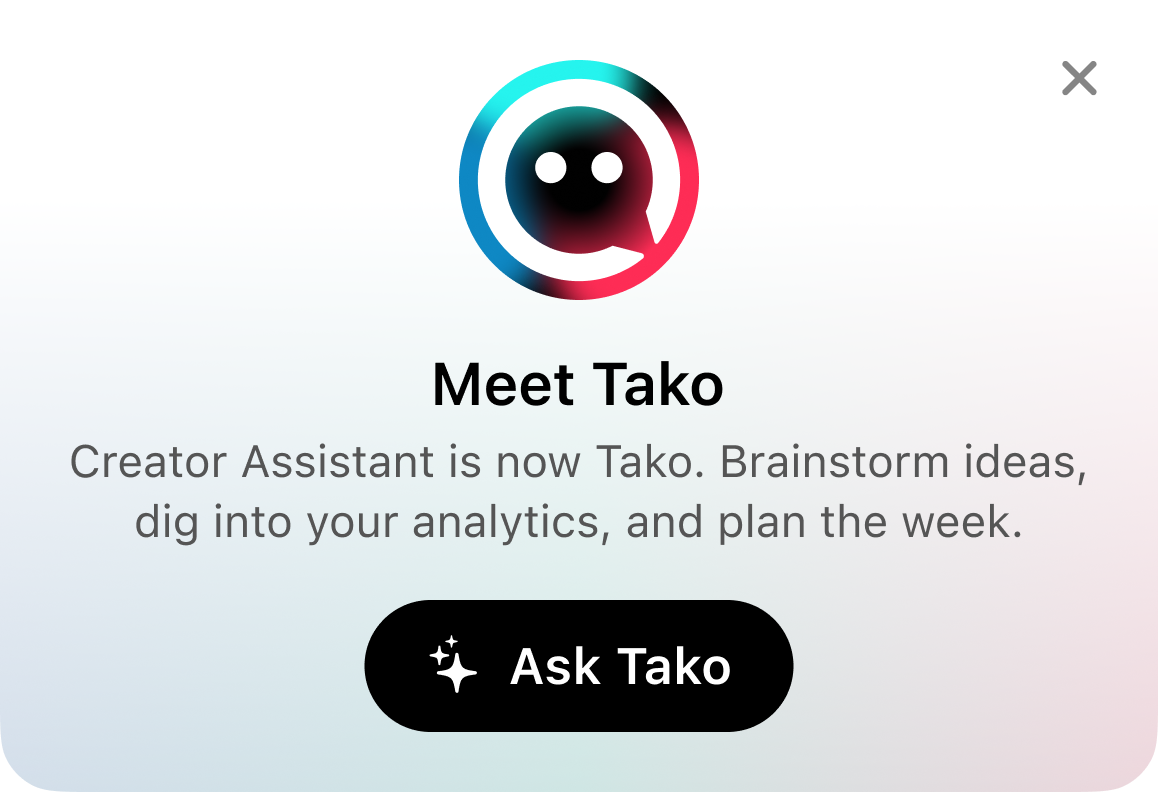
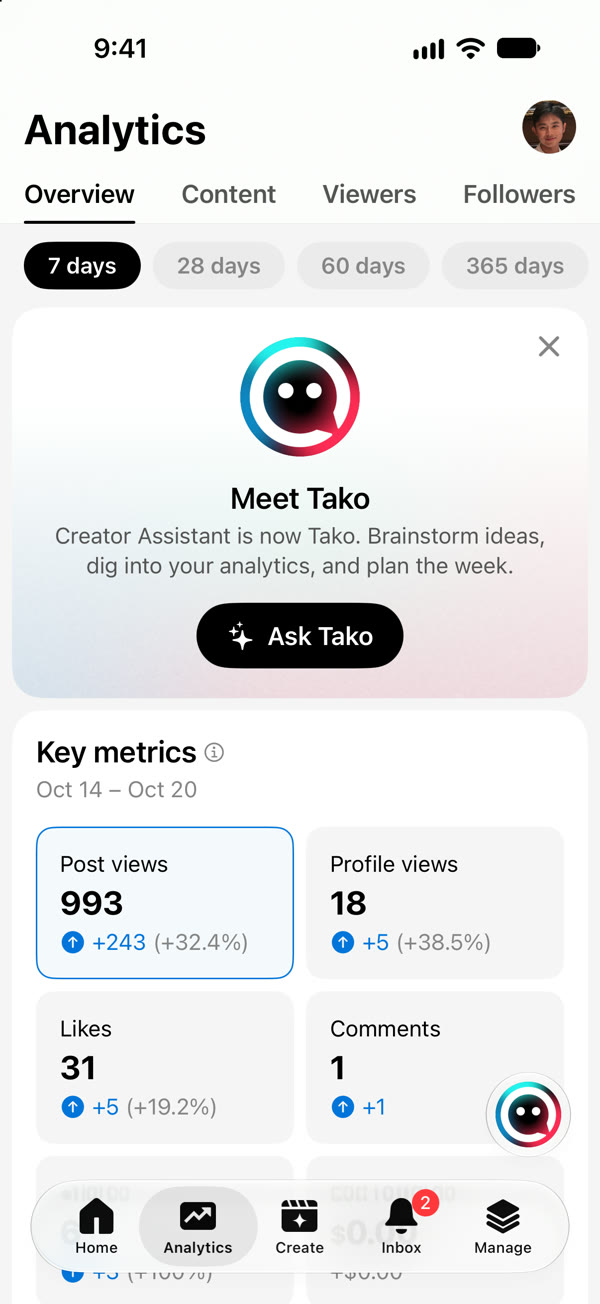
For first-time users, a dismissible Meet Tako card replaces Creator Assistant’s and invites them in.面向首次使用的创作者,可关闭的“认识 Tako”卡片取代原来的 Creator Assistant 卡片,邀请他们开始使用。
Home首页
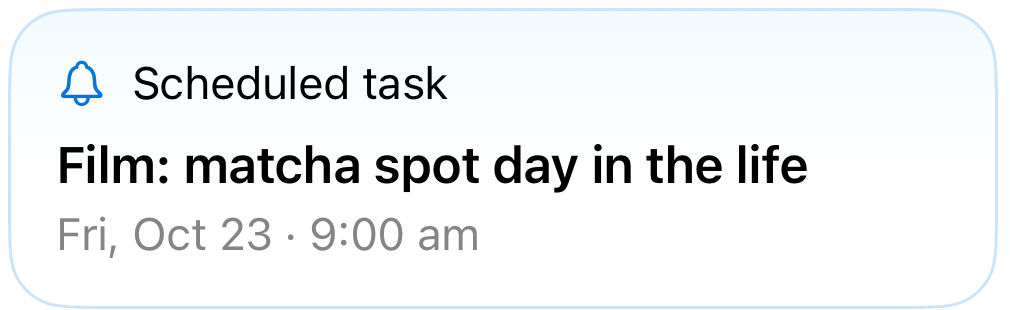
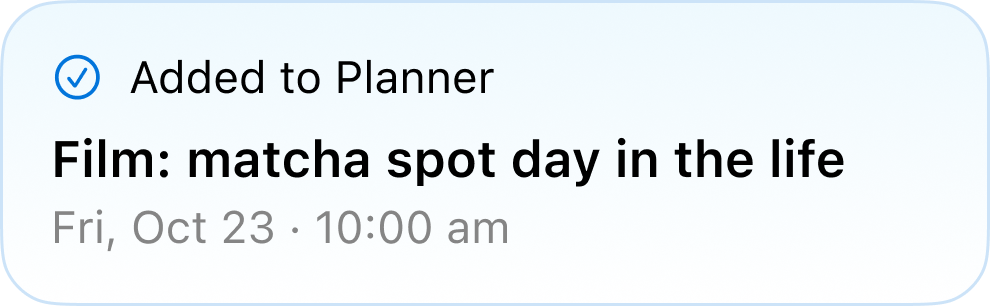
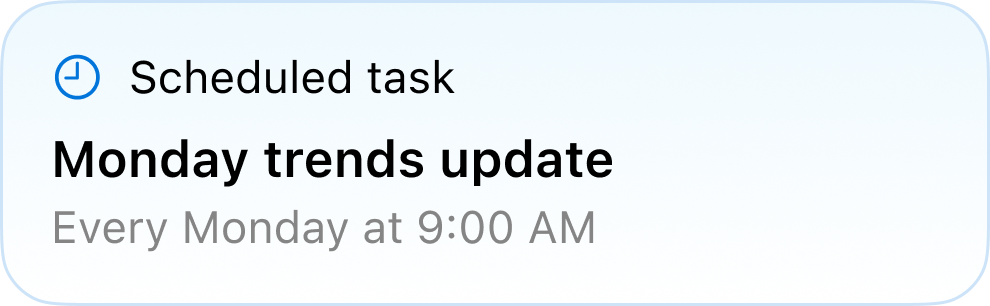
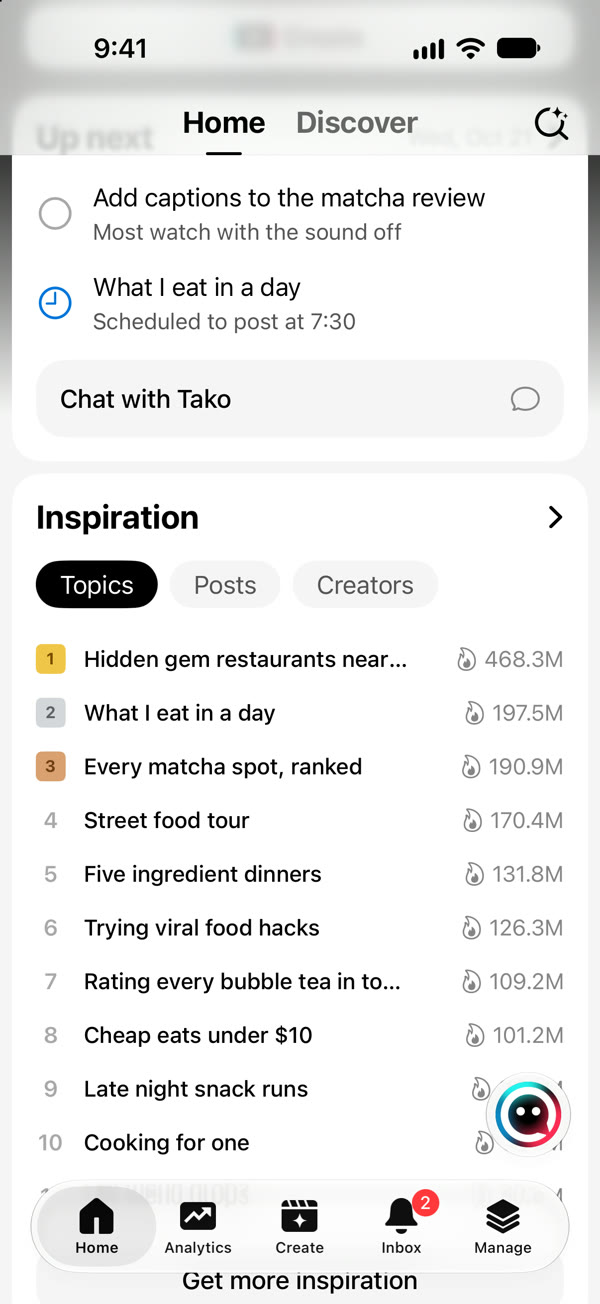
Up next on Home recaps upcoming reminders, routines and tasks at a glance.首页的“接下来”一目了然地展示即将到来的提醒、例行任务和待办。
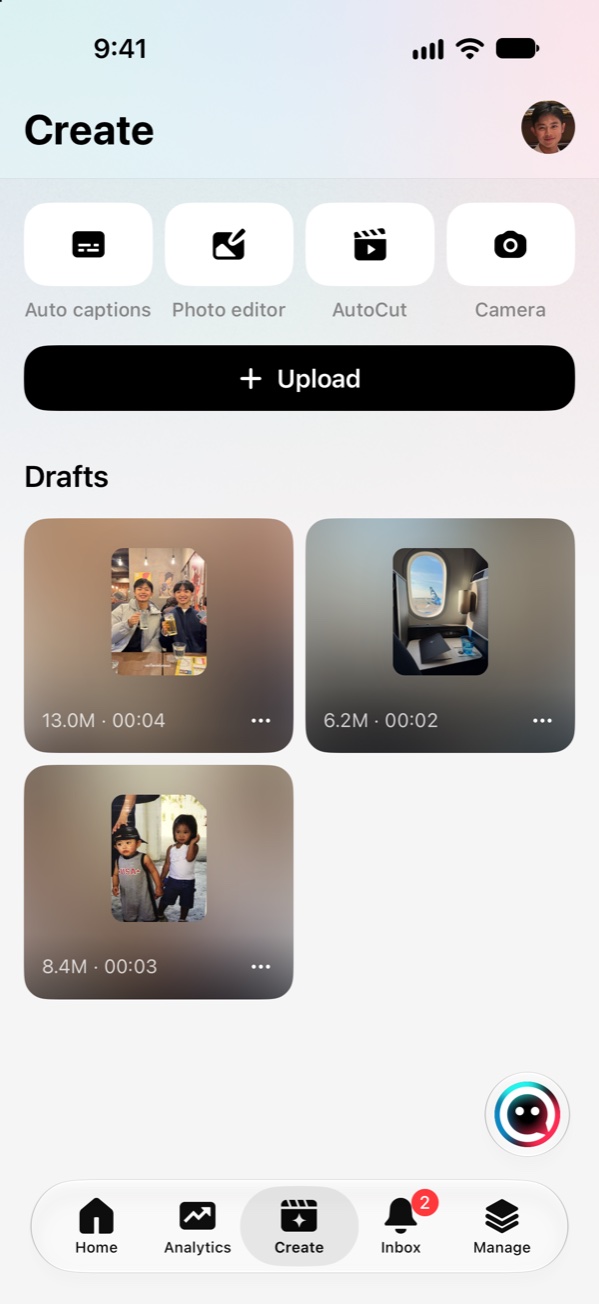
Every tab每个标签页
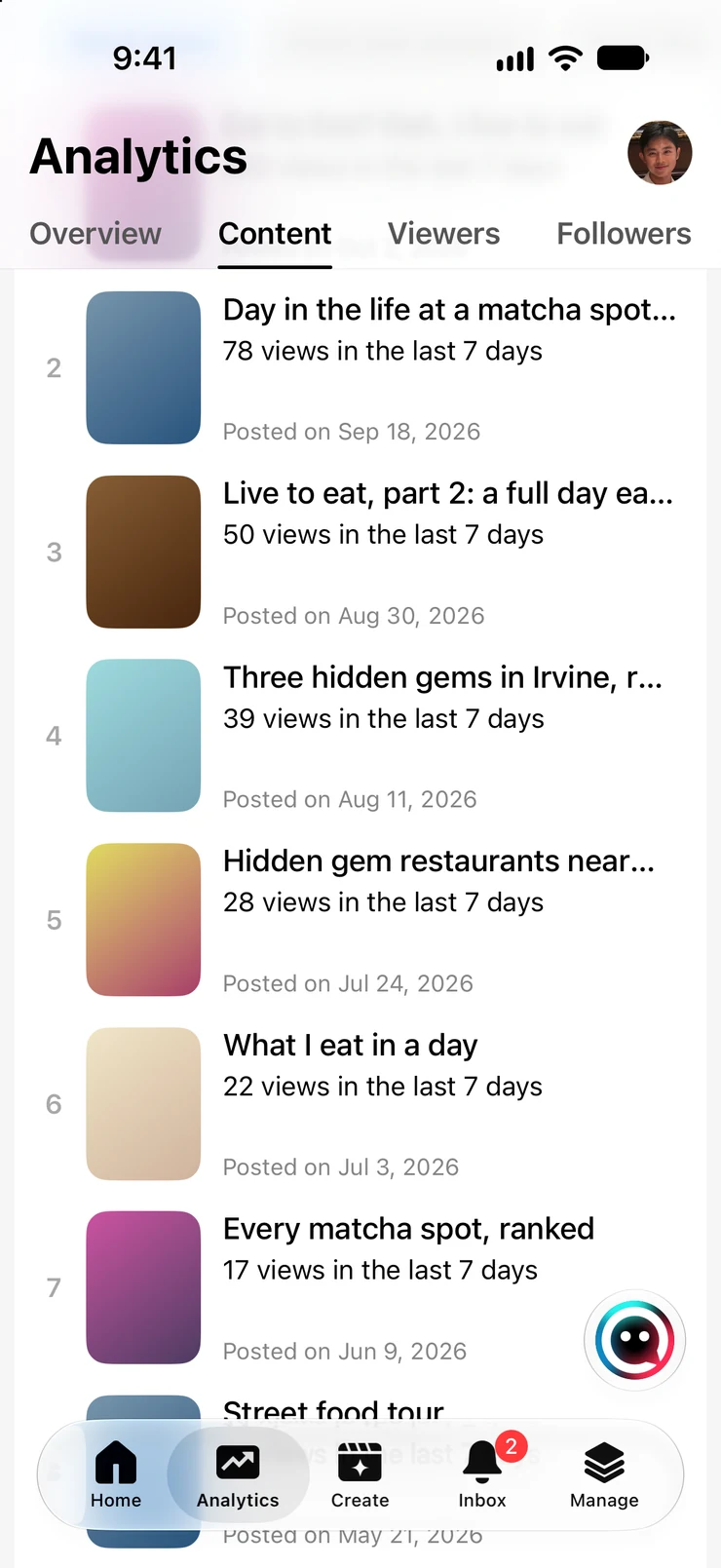
A floating button with Tako’s animated avatar keeps the chat one tap away, wherever the creator is.带有 Tako 动态形象的悬浮按钮,让聊天随时一键可达。
Tako plus UX/UI polish creates a more powerful TikTok Studio通过 Tako 与 UX/UI 打磨,打造更强大的 TikTok Studio
Why a native-first approach为什么采用原生优先的方式
Performant性能出色
iOS renders the glass and blur itself on the GPU, so the app adds no drawing work; scrolling triggers no layout changes, and Tako’s hub header only scales.玻璃和模糊由 iOS 自行在 GPU 上渲染,应用无需额外绘制;滚动不会引起布局变化,Tako 主页的标题只做缩放。
Easy to fall back易于降级
With no background of their own, headers become a solid bar with a hairline before iOS 26 or under Reduce Transparency, and a Material top app bar on Android.标题栏没有自己的背景,在 iOS 26 之前或开启“降低透明度”时会变成带细线的实色栏,在 Android 上则对应 Material 顶部应用栏。
Less engineering burden减轻工程负担
System bars get native support with each iOS update, from accessibility to Dynamic Type and new materials, with minimal custom code to keep in step.系统栏随每次 iOS 更新自动获得原生支持,从辅助功能到动态字体和新材质,只需维护极少的自定义代码。
Already in TikTokTikTok 已在使用
TikTok is A/B testing liquid glass bottom tabs, and TikTok Tako’s chat already uses liquid glass.TikTok 正在 A/B 测试液态玻璃底部标签栏,TikTok Tako 的聊天界面也已采用液态玻璃。
Familiar bottom tabs熟悉的底部标签
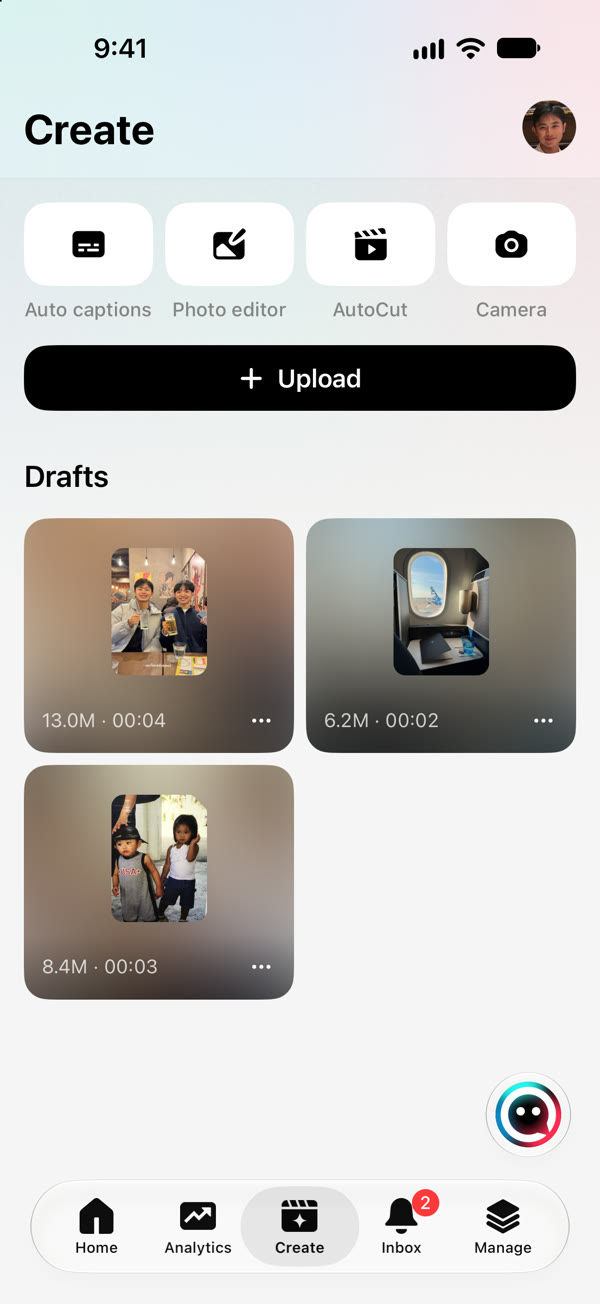
The tabs stay exactly as they ship (Home, Analytics, Create, Inbox, Manage), to minimize disruption for existing users.底部标签与现有版本完全一致(首页、数据分析、创作、收件箱、管理),尽量减少对现有用户的干扰。
Why Tako is the focus为什么以 Tako 为核心


Users are turning to personal AI agents用户正在转向个人 AI 智能体
Consumers increasingly rely on personal AI agents to discover, evaluate and buy. Building Studio around Tako keeps creators asking TikTok, not an outside AI tool.消费者越来越依赖个人 AI 智能体来发现、评估和购买。以 Tako 为核心打造 Studio,让创作者直接向 TikTok 提问,而不是转向外部 AI 工具。
Fewer new screens to build and learn更少需要开发和学习的新界面
Every new screen or major redesign adds engineering overhead and more room for bugs, and asks users to learn an unfamiliar interface. Tako can reuse what TikTok already has: TikTok Tako and CapCut already generate images in chat.每个新界面或大幅改版都会增加工程开销和出错的可能,也要求用户重新学习陌生的界面。Tako 可以复用 TikTok 现有的能力:TikTok Tako 和剪映已经支持在聊天中生成图片。
Personalized to each creator为每位创作者个性化
RAG over the creator’s content and history, which TikTok already stores, needs minimal data pipeline additions, and a lightweight living memory file resurfaces personal details when they’re relevant, reinforcing the connection.基于 TikTok 已存储的创作者内容与历史记录做 RAG 检索,只需少量新增数据管道;再配合轻量、持续更新的记忆文件,在合适的时候重提个人细节,加深彼此的联系。
Context from the first message从第一句话起就有上下文
Each session opens with an insights snapshot and algorithm suggestions already in context, so Tako’s first reply feels personal. Together with the Planner and routines, this builds a habit loop.每次对话开始时已注入数据快照和算法建议,Tako 的第一句回复就很个性化。再结合计划和例行任务,形成习惯闭环。


A familiar format for the whole workflow熟悉的形式,承载整个工作流程
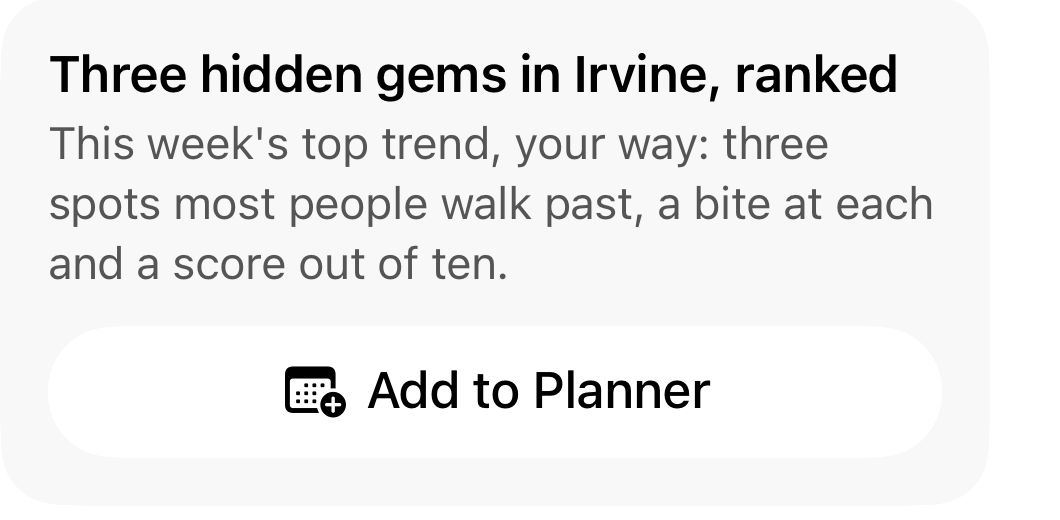
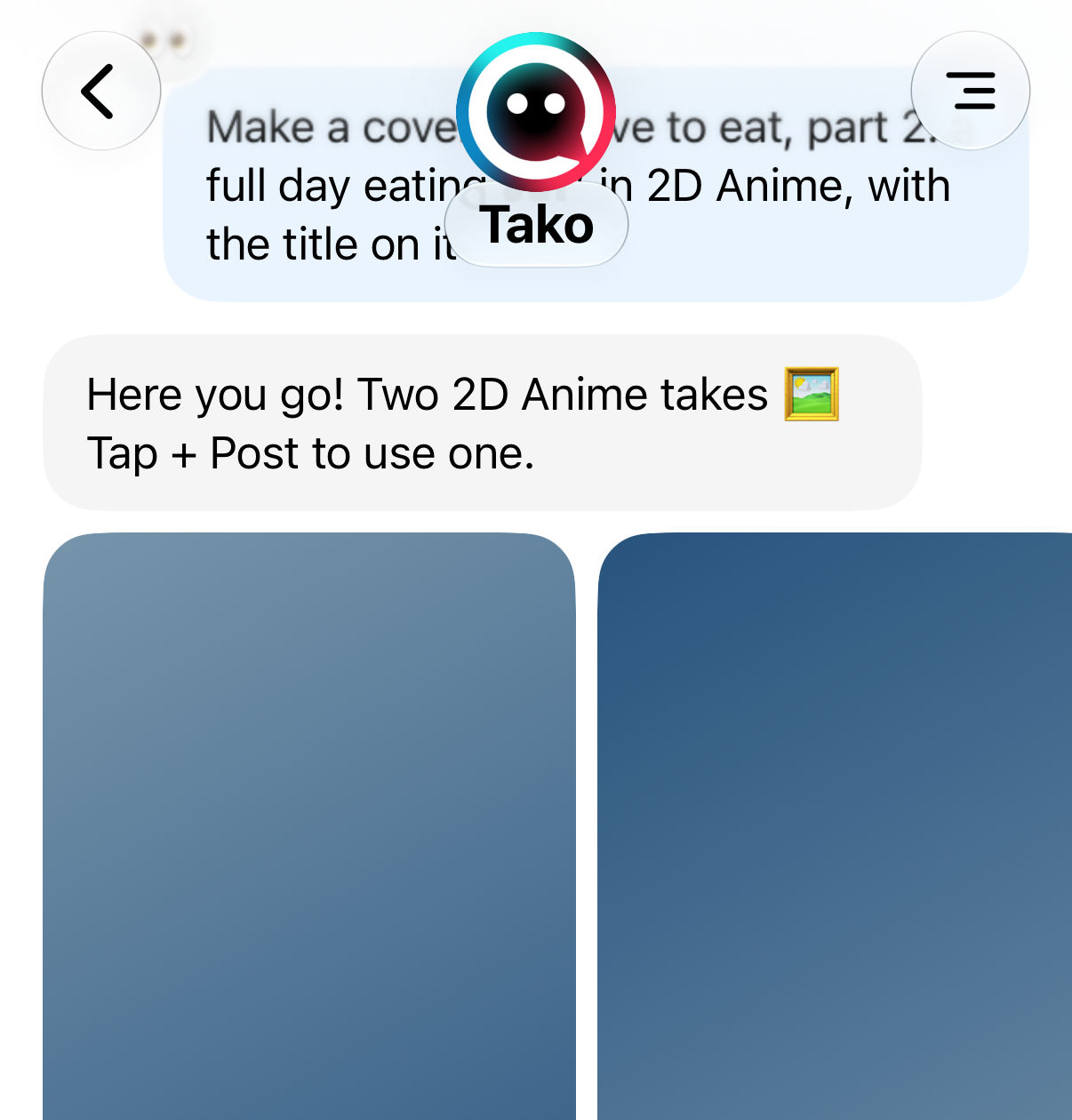
Chat is familiar from every AI app, and it connects Studio’s tools. From one chat, a creator can check their numbers, get ideas, plan the week and make a cover, so Tako reinforces TikTok Studio as the all-in-one workspace.聊天是各类 AI 应用中早已熟悉的形式,也把 Studio 的各项工具串联起来。在一次对话中,创作者就能查看数据、获取灵感、安排一周计划并制作封面,让 Tako 进一步巩固 TikTok Studio 一站式工作台的定位。
New ways to monetize新的变现途径
Tako’s answers can naturally suggest Promote when a post takes off, TikTok Shop products to feature or to buy for a creator’s setup, and local businesses listed on TikTok as places to film.Tako 的回答可以自然地在作品走红时建议使用 Promote 推广,推荐可带货或用于创作者装备的 TikTok Shop 商品,以及在 TikTok 上入驻、适合拍摄的本地商家。
Built on what already works in sister apps借鉴兄弟产品中已被验证的设计
 Douyin抖音
AI overviewAI 解析
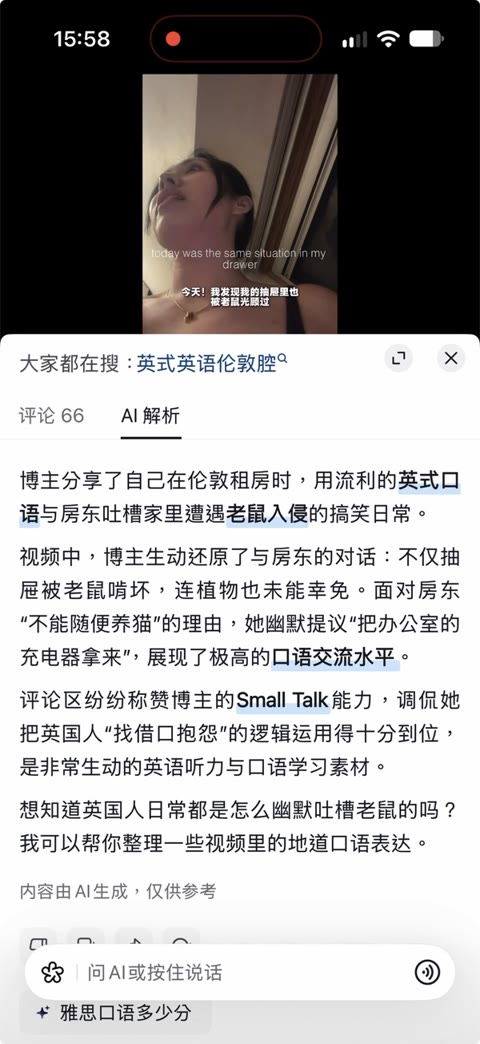
Douyin’s AI 解析 summarizes a video beside its comments. Tako AI Overview brings that summary to Discover, with a way straight into the chat.抖音的 AI 解析在评论旁总结视频内容。Tako AI 解析把这一总结带到发现页,并可直接进入聊天。
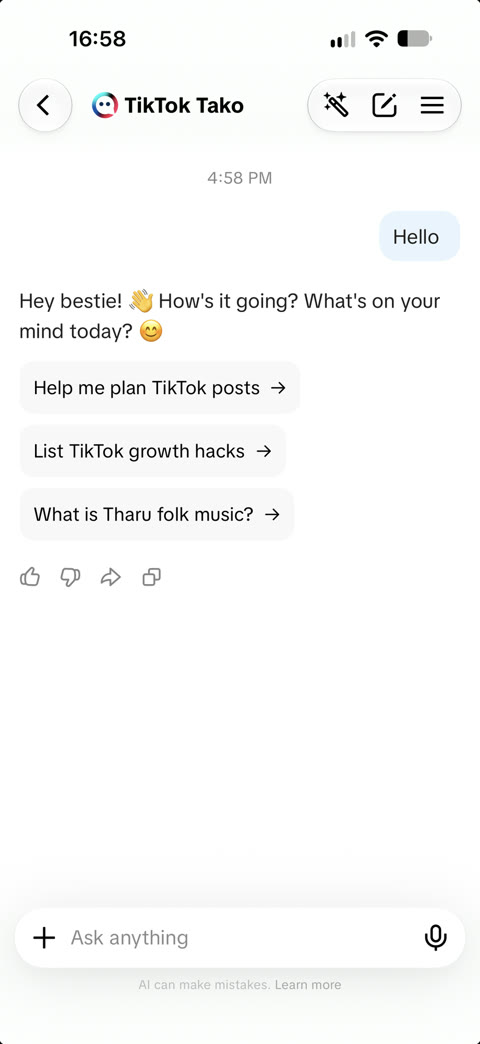 TikTok TakoTikTok Tako
A more responsive feel更灵敏的回应感
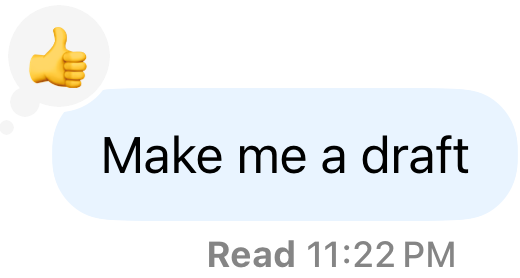
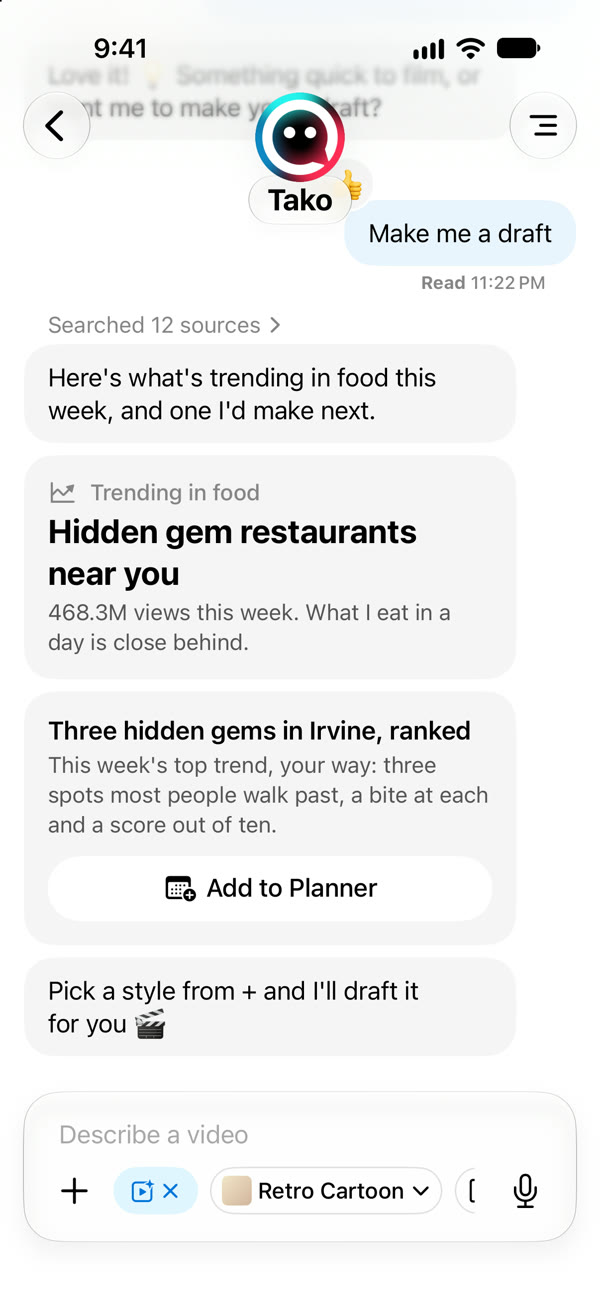
An instant emoji reaction and timestamped Delivered and Read receipts show Tako is on it. Its animated avatar sits centered above its name, like a contact’s profile.即时的表情回应和带时间的“已送达”“已读”回执,表明 Tako 已在处理。动态头像居中显示在名字上方,就像联系人的资料页。
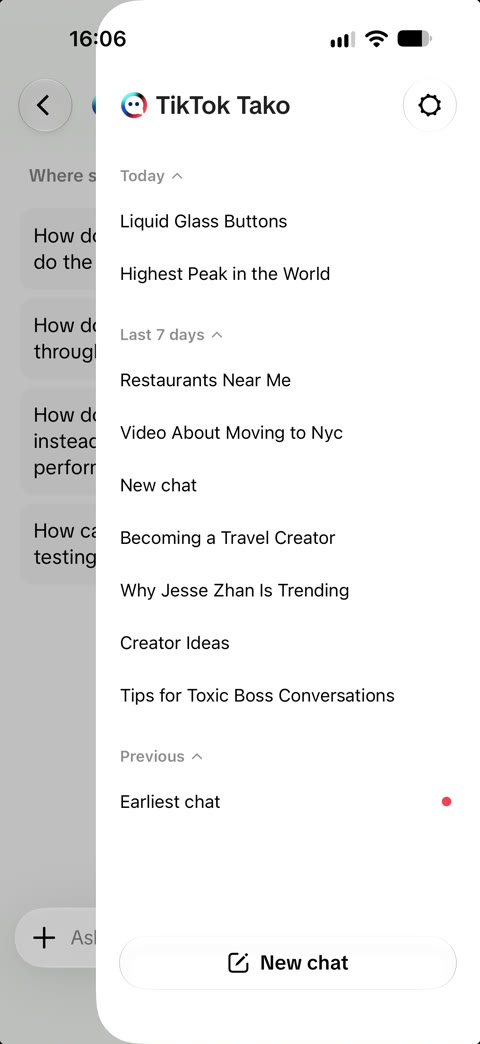 TikTok TakoTikTok Tako
A drawer that pushes推开页面的抽屉
TikTok Tako’s drawer covers the page. Like Doubao’s, ours pushes it aside, a more modern and polished way to present chat history and options.TikTok Tako 的抽屉会覆盖页面。与豆包一样,我们的抽屉把页面推到一旁,以更现代、更精致的方式呈现对话历史和功能选项。
Fixing small oversights修复细节疏漏
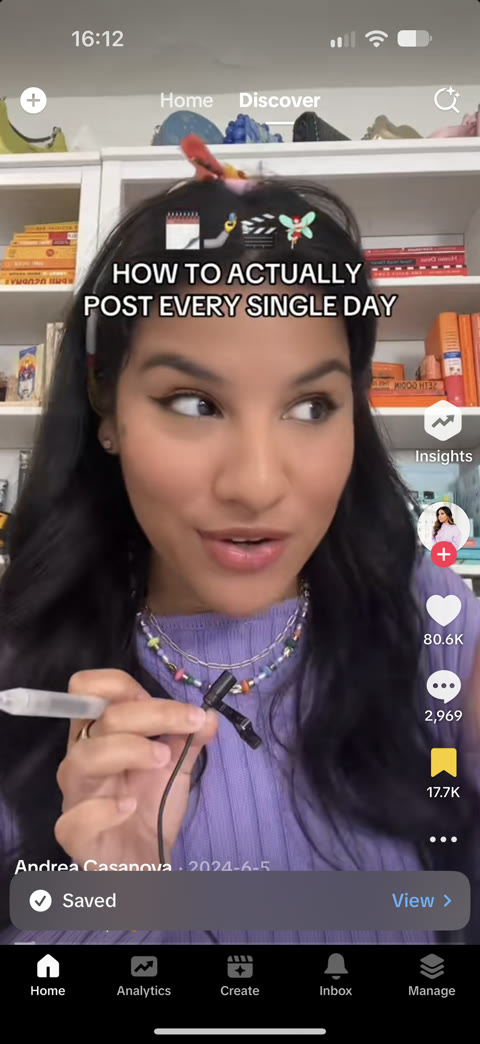 Today: Saved现有:已收藏
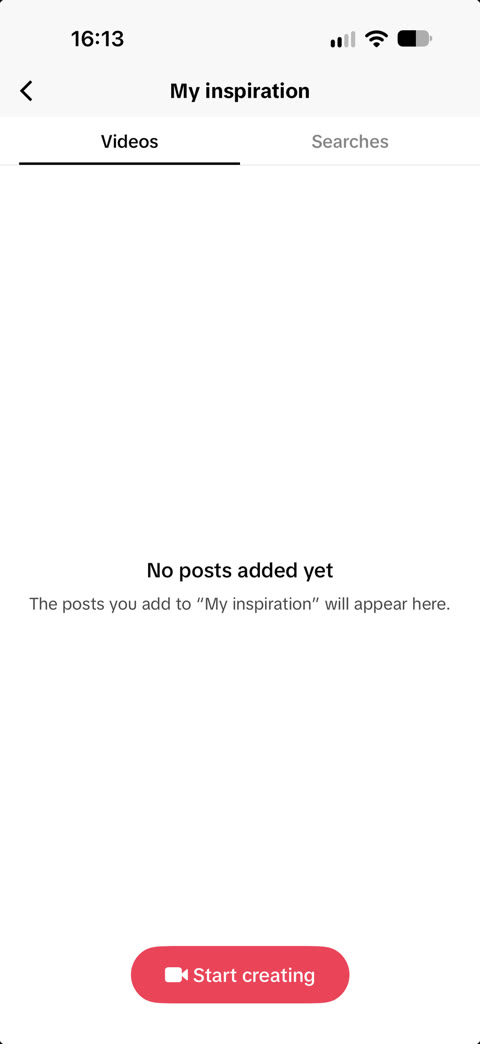 Today: My inspiration现有:我的灵感
Saved posts that work真正可用的收藏
The Saved toast’s View button did not navigate anywhere, and My inspiration had no way to add to it. Now a save goes straight into a collection, and View opens it.“已收藏”提示上的“查看”按钮无法跳转到任何页面,“我的灵感”也无法添加内容。现在收藏可以直接放进收藏夹,点“查看”即可打开。
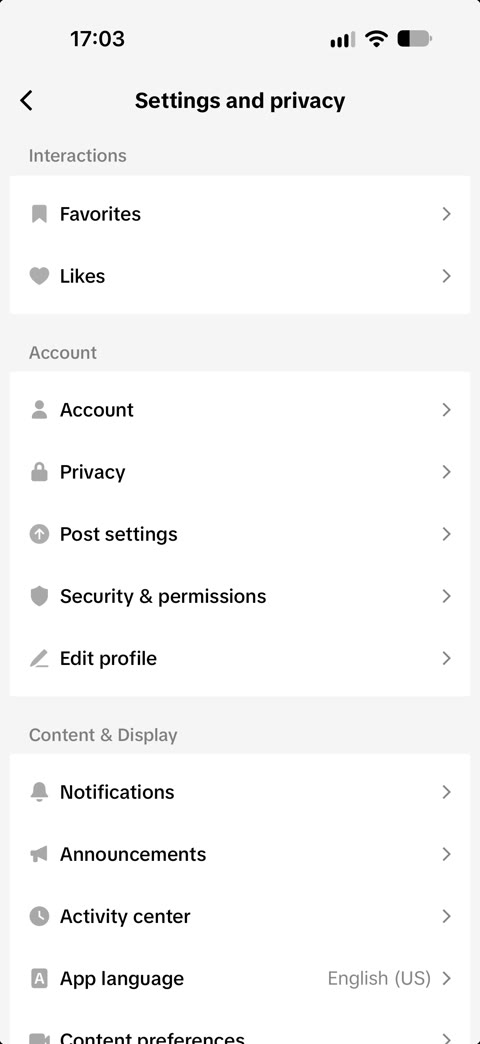 Today: Settings现有:设置
Easier to reach更容易找到
Favorites and Likes were buried in Settings. They’re now tabs in Manage, beside Posts and Comments.收藏和喜欢原本藏在设置里。现在它们成为管理中的标签页,与“作品”和“评论”并列。
See the Figma file
The high-fidelity mockups and comprehensive design library behind the app demo and deck.
View in Figma